
See where your time goes.
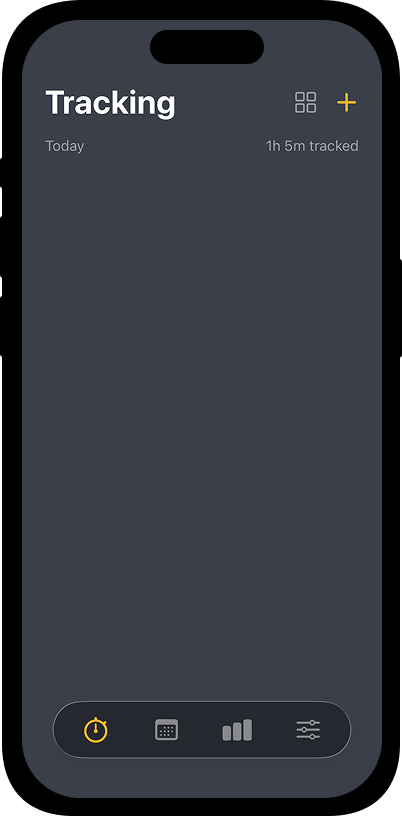
Start an activity in one tap. Use a focus timer when you need a finish line. See where your time went.
Start, pause, or switch activities in a tap.
Set a focus timer for work with a clear end.
Organize your time with projects and tags.
One timer at a time
See what you're tracking in the app, your widget, and on the Lock Screen.
Your day, in order
Review each session from morning to night. Add or correct an entry whenever you need to.
Private by default
No account required. Your data stays on your iPhone unless you turn on Pro iCloud sync.
Start tracking in one tap
Save the activities you return to, then start or pause them from the Tracking screen. The running card shows your time as it adds up.
Add a project and tags to keep related work easy to find.
Focus on one thing
Choose a duration for an activity when you want a clear stopping point.
Your completed focus time appears alongside your other sessions in Day.
See the patterns
Clear charts show which activities filled your day.
Timeway Pro adds weekly and monthly views, project and tag breakdowns, PDF and chart image exports, and iCloud sync.